
Write the Unwritten
A file-first, open-source desktop application optimized for writing and structuring long-form narrative projects.
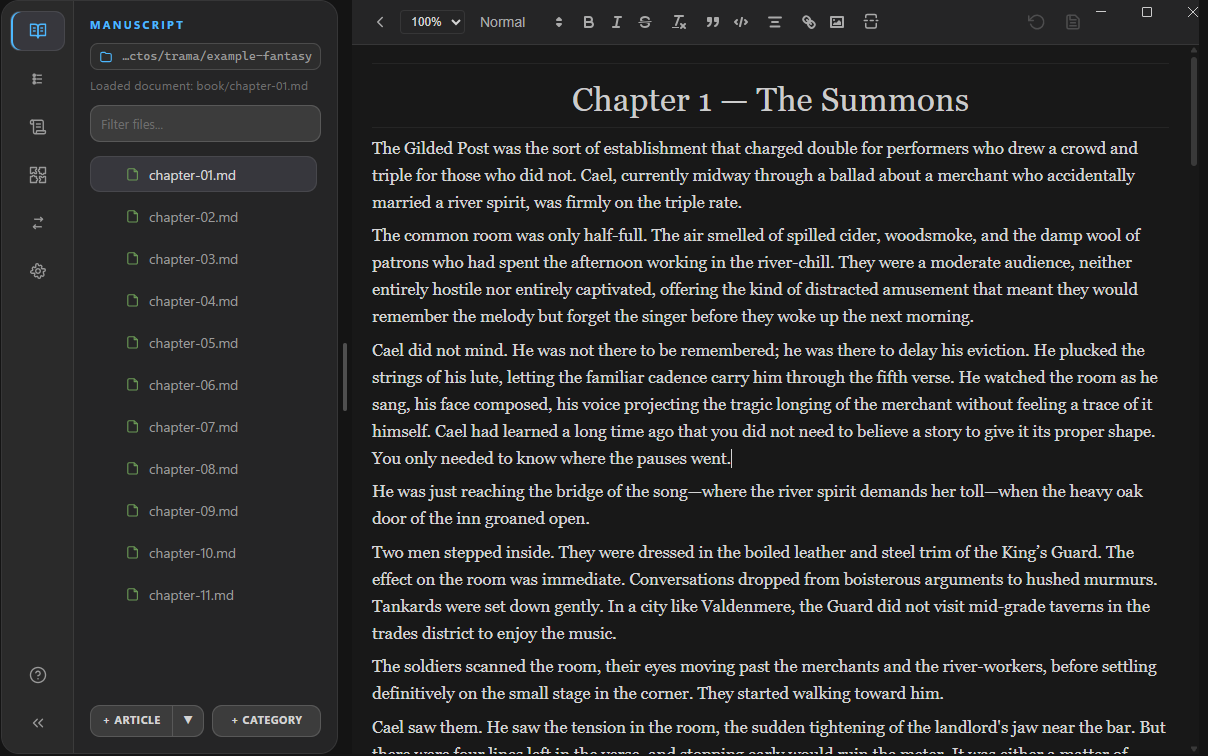
A file-first, open-source desktop application optimized for writing and structuring long-form narrative projects.
Your project is just a folder. No proprietary databases. Markdown files ordered logically, accessible anywhere, anytime.
A minimal workspace that hides the noise. Focus exclusively on your prose with contextual, right-click driven menus.
Fully local. Your narrative remains on your machine. Bring your own cloud sync or Git for version control.
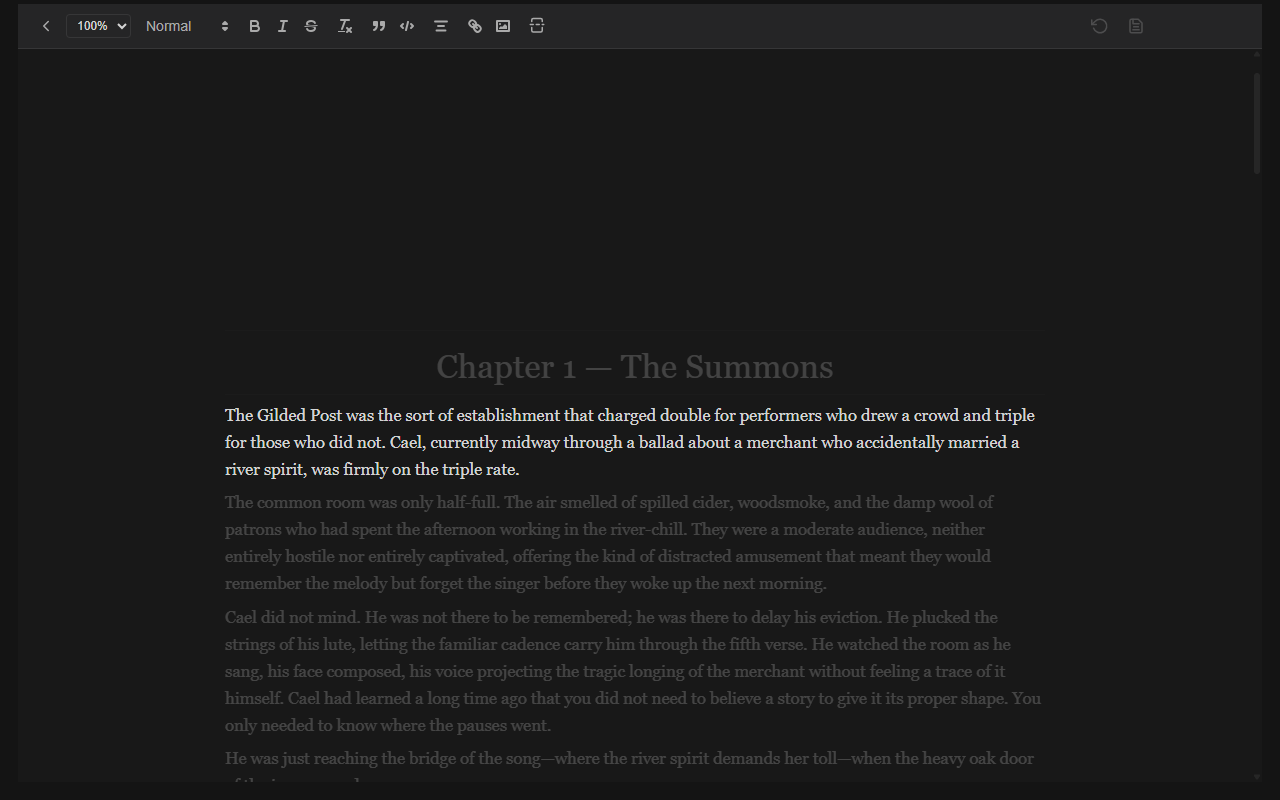
Dim the noise and concentrate. Trama intelligently highlights the current line, sentence, or paragraph you are working on, letting you flow without breaking concentration.
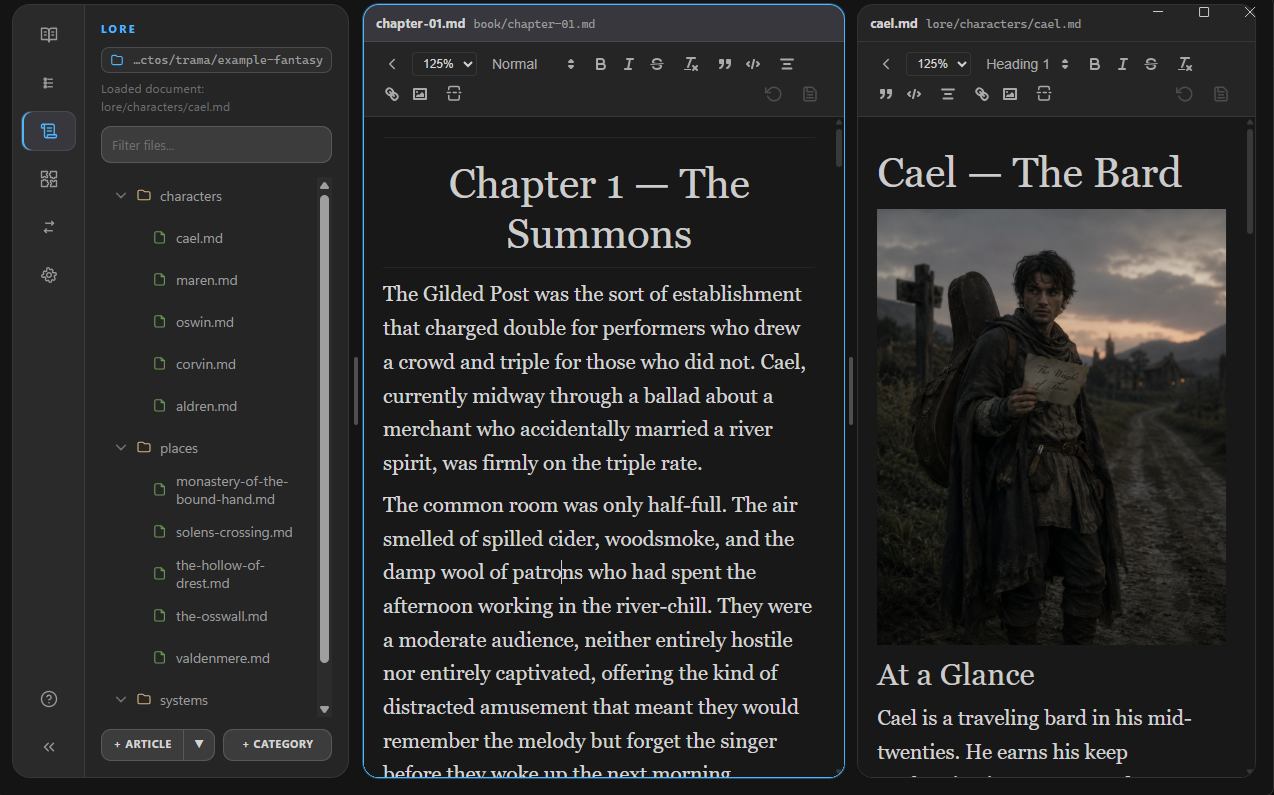
Open two documents side-by-side with Split Panes. Keep your outline, lore, or character sheets open while drafting your primary manuscript. Each pane remembers its own document history.
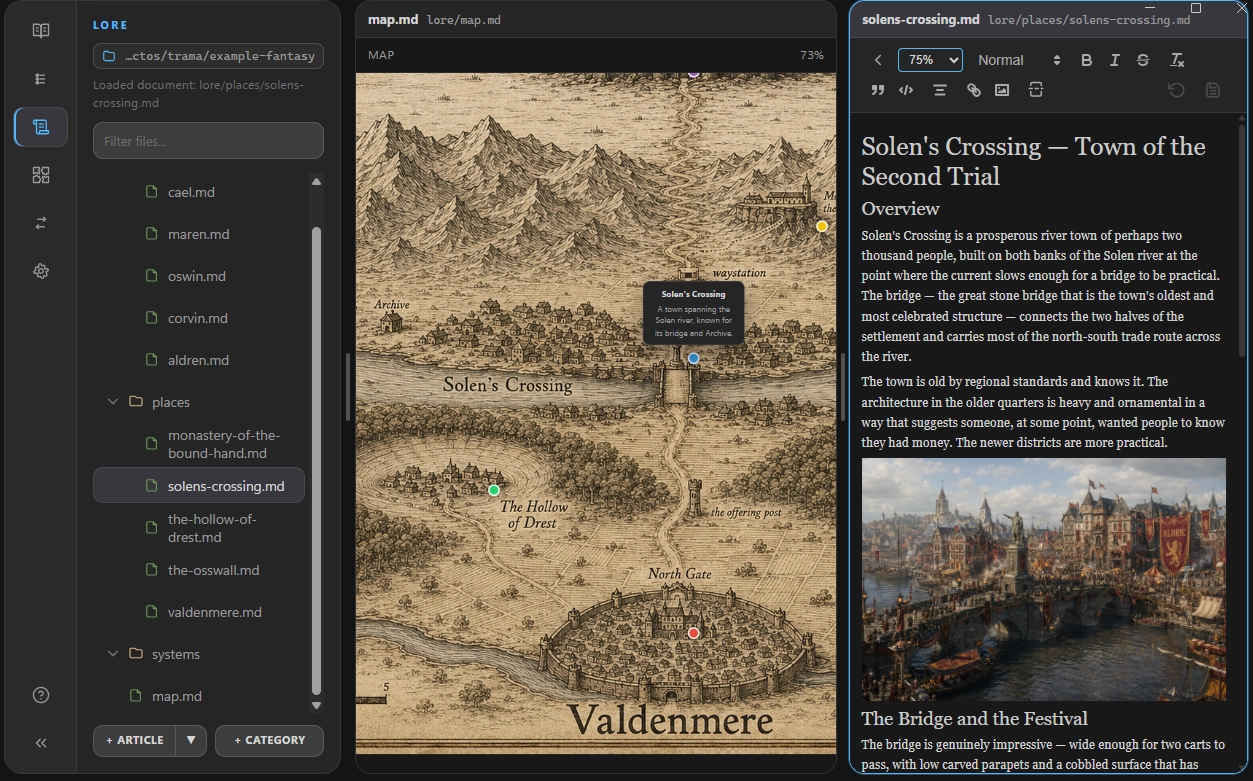
Structure your universe natively. Create visual maps with drag-and-drop nodes to establish timelines, character relations, or geographical layouts. Link everything with Wiki Tags.

Built specifically for novelists, screenwriters, and world-builders.
Go beyond standard Markdown. Trama includes built-in formatting tools crafted specifically for manuscript preparation, ensuring your prose looks perfect without breaking your focus.
-- for an em-dash (—) and << for guillemets (« »)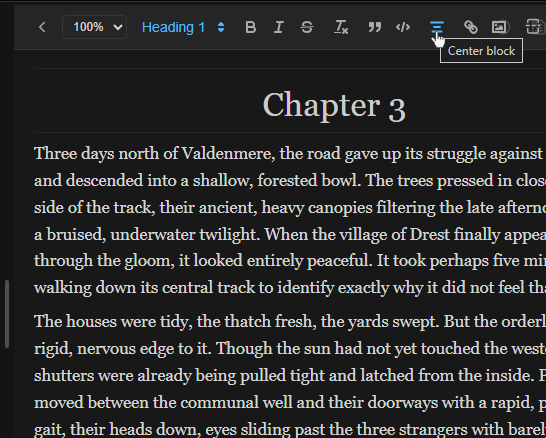
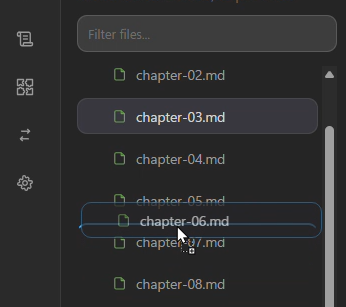
Structure your manuscript visually. Reorder your chapters and scenes effortlessly right from the sidebar. Your chosen sequence directly dictates the final structure when you export your book.
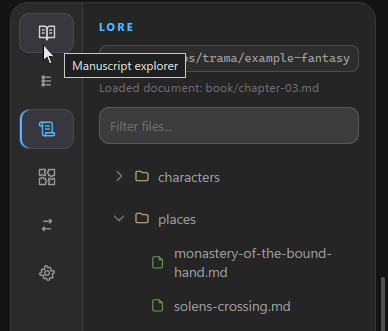
Keep your world-building and character profiles entirely separated from your primary manuscript. Work on your lore without worrying about it accidentally ending up in your published export.
Trama's file-first nature means it integrates seamlessly with your existing workflow, without imposing its own rules.
Full support for Git version control. Take snapshots and seamlessly browse previous revisions directly from within the application, or manage branches your way.
Drop your project in Google Drive, OneDrive, or Dropbox. Trama gracefully and safely handles external file changes.
Trama's .md files make it comprehensible to AI coding agents.
Create summaries, ask for automated reviews, or translate effortlessly!.
Seamlessly migrate existing projects from Zulu directly into Trama with our intelligent structured importing.
Compile your work to PDF, DOCX, EPUB, HTML, or raw Markdown. You can also import and export selected files directly to AI prompts.
Download the latest beta release and take control of your narrative.
Download Beta (v1.0)